← Help home

Company Setup

Profile, branches, team, roles, email, and billing for your organization.

Open in app →
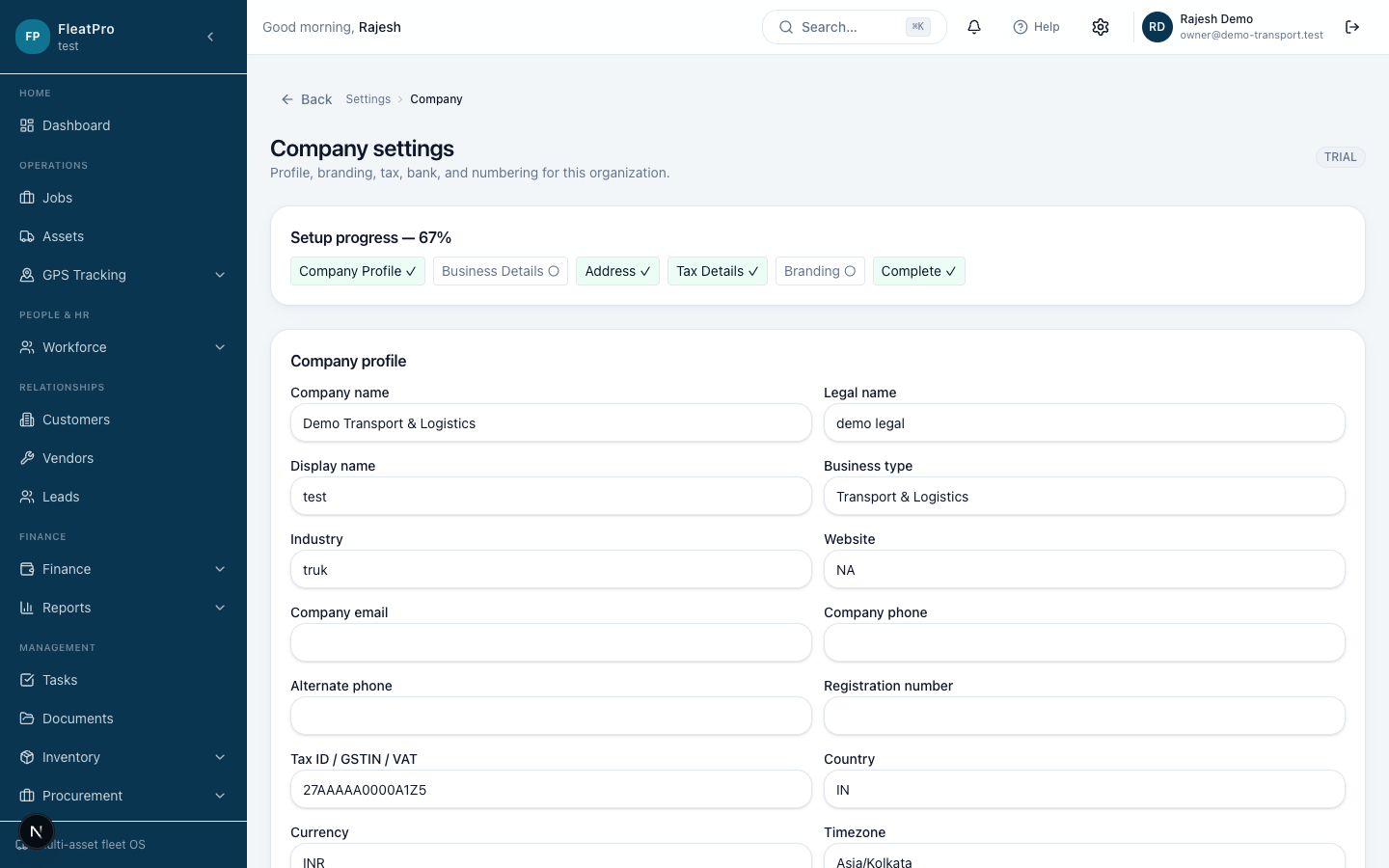
Step preview · Company Setup
FleatPro — Company Setup
Demo company UI · not live customer data

Steps

  1. 1

    Company profile

    Set legal name, display name, tax ID, address, logo, and invoice colors.

    Open screen →
  2. 2

    Branches

    Add operating locations if your team works from multiple sites.

    Open screen →
  3. 3

    Team

    Invite users by email and manage membership.

    Open screen →
  4. 4

    Roles

    Control what each role can view or change.

    Open screen →
  5. 5

    Email & notifications

    Connect sender email and choose which events notify your team.

    Open screen →
  6. 6

    Billing

    Review your plan and subscription status for the company.

    Open screen →