
Step preview · Payroll
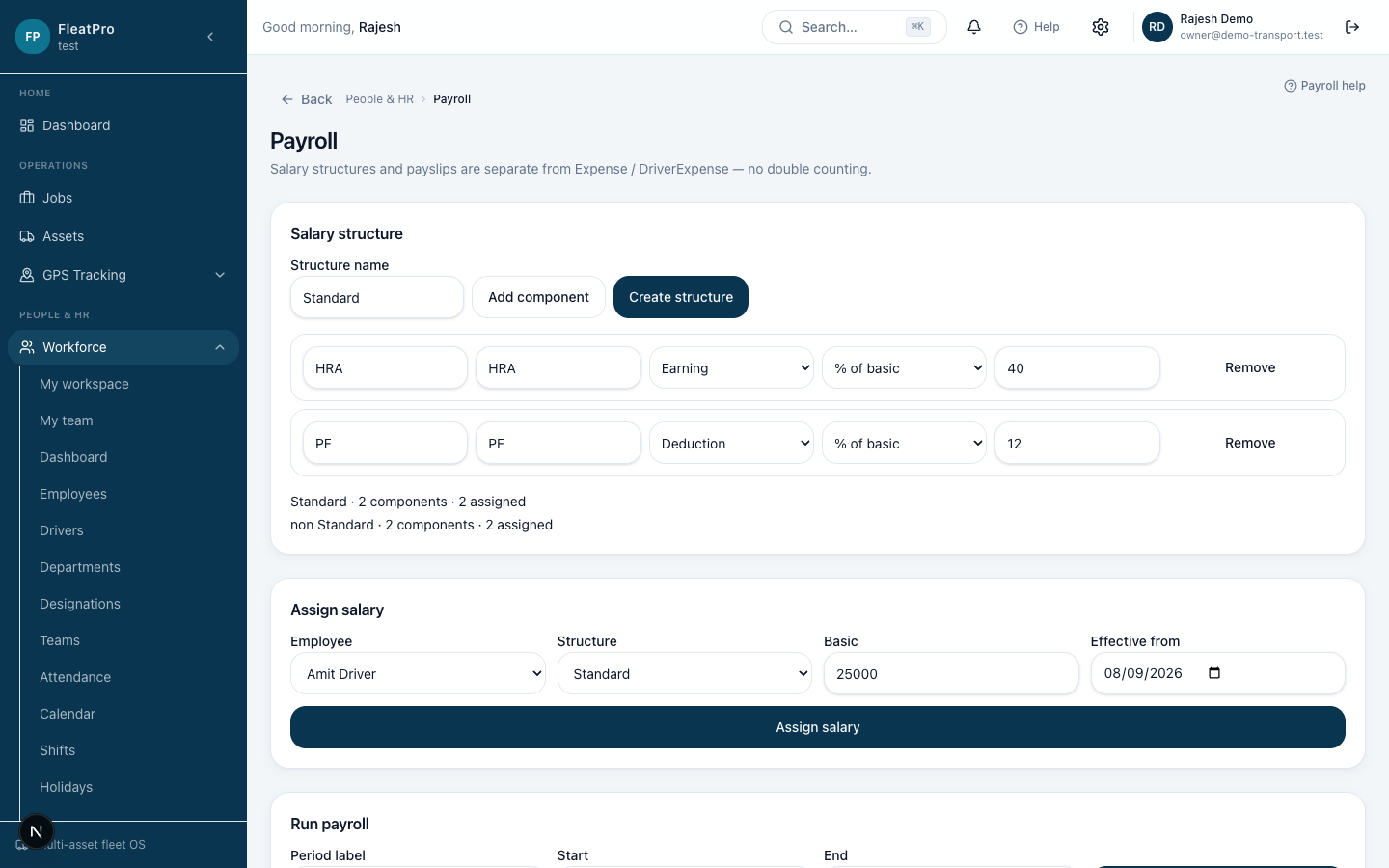
Steps
- 1
- 2
Create a run
Select the period, review earnings and deductions, then approve and mark paid.
- 3
Payslips
Download payslip PDFs from the run detail or My workspace.
Create a run
Select the period, review earnings and deductions, then approve and mark paid.
Payslips
Download payslip PDFs from the run detail or My workspace.