
← Help home
Trips
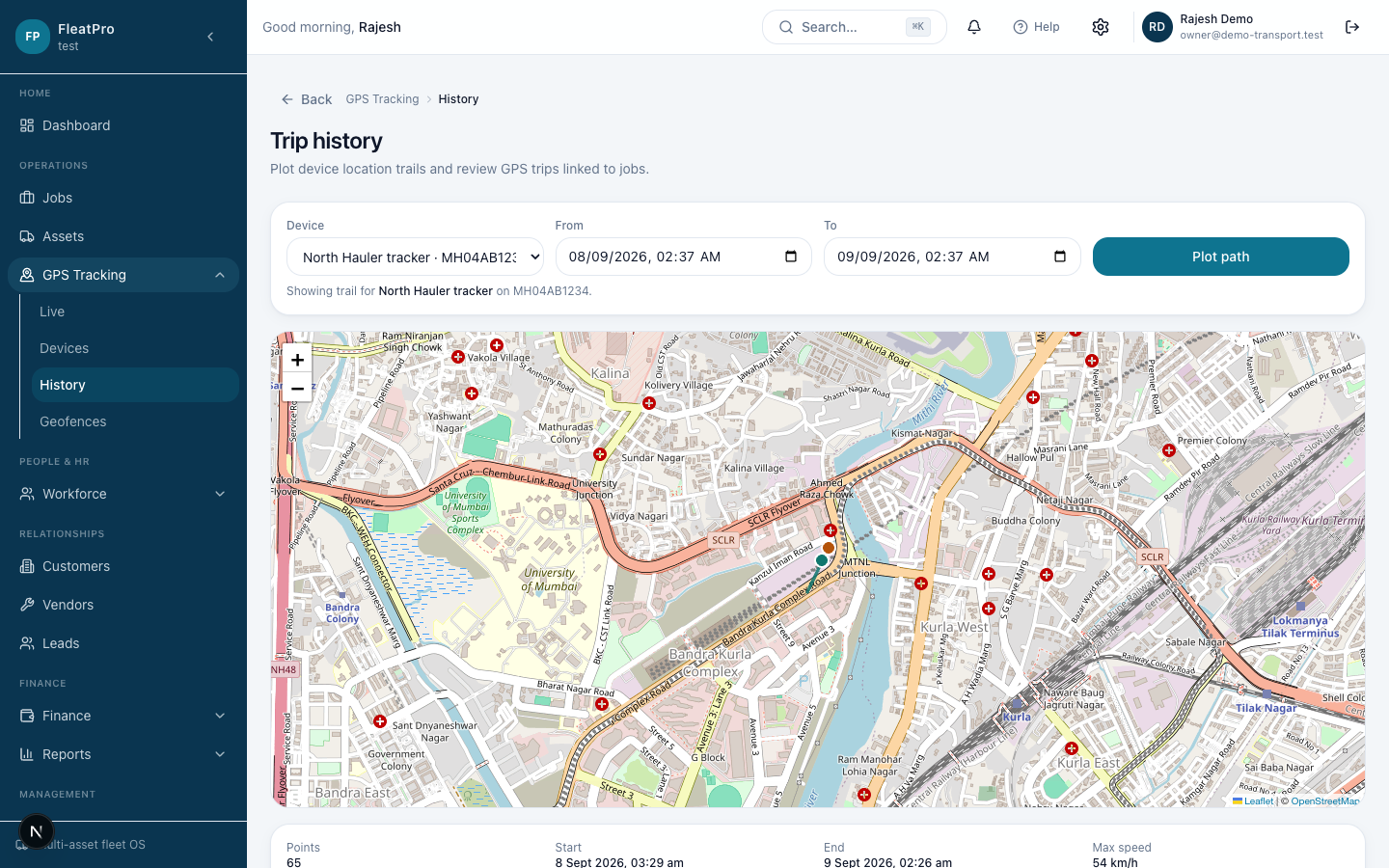
GPS trips appear from device movement and can be linked from job detail.
Open in app →Step preview · Trips
Steps
- 1
- 2
Tips
- Trips need a connected or demo GPS device producing movement.
GPS trips appear from device movement and can be linked from job detail.
Open in app →